
Organizations.
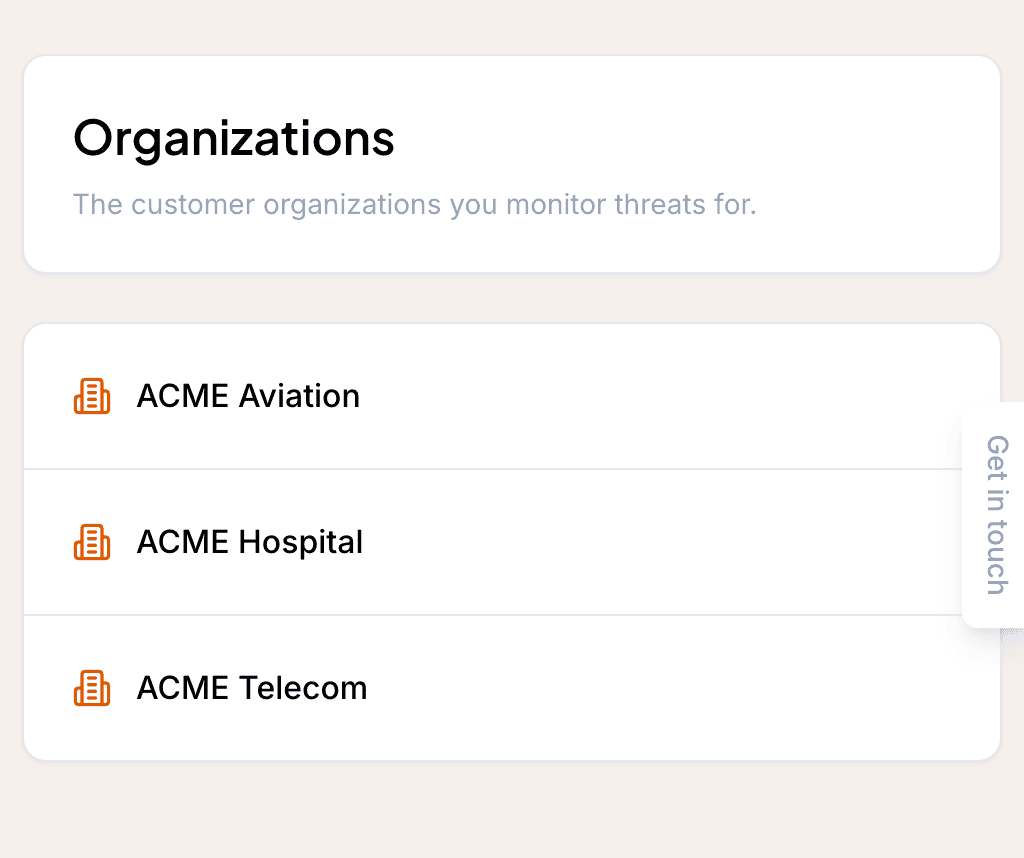
An Organization is a company, government entity, or business unit that you protect. Modelling each one separately is what lets Liberty91 tailor the intelligence it produces, which matters most for MSSPs and ISACs protecting several distinct clients, or for any business running independent units with different geographies, sectors, or assets. Each Organization carries a Country, a Sector, Assets, and Suppliers, and gets a dedicated agent of its own.
When to use multiple Organizations
Use a separate Organization for each entity you protect when their profiles differ. This is useful when you are an MSSP or an ISAC protecting multiple distinct organizations, or when several business units inside one company sit in different geographies, hold different assets, or face different threats. Modelling them separately keeps each one's reporting tailored to its own profile.
The dedicated agent
Each Organization has a dedicated agent that Liberty91 builds and maintains for it. The agent assesses every Event for relevance to that Organization and helps write its analyses and reports.
When you first create an Organization, the agent analyses it from open sources and commits that to memory. From then on it keeps itself updated on anything related to the Organization's Country and Sector, and does the same for every Asset and every Supplier it knows about.
How we decide what is relevant to an Organization
Relevance is the mechanism underneath almost everything the platform shows you per Organization: the dashboard, the quick filters, the Relevance to Organizations card on a Threat Event, and what a report gets built from. Knowing exactly how it is decided explains why one client sees an occurrence and another does not.
A Threat Event is relevant to an Organization when any one of four things is true.
| Match | What it means |
|---|---|
| Sector | The occurrence targets one of the sectors on the Organization's profile |
| Region | The occurrence targets one of the Organization's regions or countries |
| Direct exposure | The occurrence implicates an Asset or technology the Organization actually runs |
| Subscribed topic | The occurrence falls under an Intelligence Requirement the Organization follows |
In plain terms: an occurrence surfaces for an Organization when it hits their sector, their region, something they actually run, or a topic they have told us to watch.
Two details matter here. Any one match is enough, so these widen coverage rather than narrowing it; an occurrence does not have to hit a client's sector and their region to reach them. And topics match down the tree: an Organization following ransomware sees ransomware occurrences generally, not only the ones tagged to that requirement specifically.
This is the concrete reason a richer profile produces better reporting. Every sector, region, Asset, Supplier, Document, and Intelligence Requirement you add is another way for a genuinely relevant occurrence to find its way to that Organization, and another piece of context the agent has when it explains why the occurrence matters.
Richer Organizations get better reporting
You can run an Organization with just a name, Country, and Sector, which still produces useful but fairly generic reporting. The more the agent knows, the more it can tailor the analysis. Build out the profile by adding Assets and Suppliers, and by uploading Documents, which the agent commits to memory. See Set up your Organizations and Add stakeholders to round out the profile.
The Organization page
Each Organization opens on its own page, split into two tabs. The Dashboard tab shows the same panels as your home dashboard but scoped to intelligence relevant to that Organization alone, with quick filters for jumping straight into a filtered event list. The Organization tab is the profile itself: Documents, Intelligence Packages, Stakeholders, Supply Chain, Assets, Credentials, and Intelligence Requirements.
For a walkthrough of both tabs, including how to create, edit, and remove each kind of record, see Work with the Organization page.
Frequently asked questions
Who should use multiple Organizations?
MSSPs and ISACs protecting several distinct clients, and any business that runs independent units with different geographies, sectors, or assets.
How does Liberty91 decide a threat is relevant to an Organization?
A Threat Event is relevant when any one of four things is true: it targets a sector on the Organization's profile, it targets one of its regions, it implicates an asset or technology the Organization actually runs, or it falls under an Intelligence Requirement the Organization follows.
What does the Organization agent do?
It analyses the Organization from open sources, commits that to memory, and keeps itself updated on the Organization's country, sector, assets, and suppliers, applying that context to every event and report.