
Set the email sender name and reply-to.
Last updated 14 Jun 20261 min read
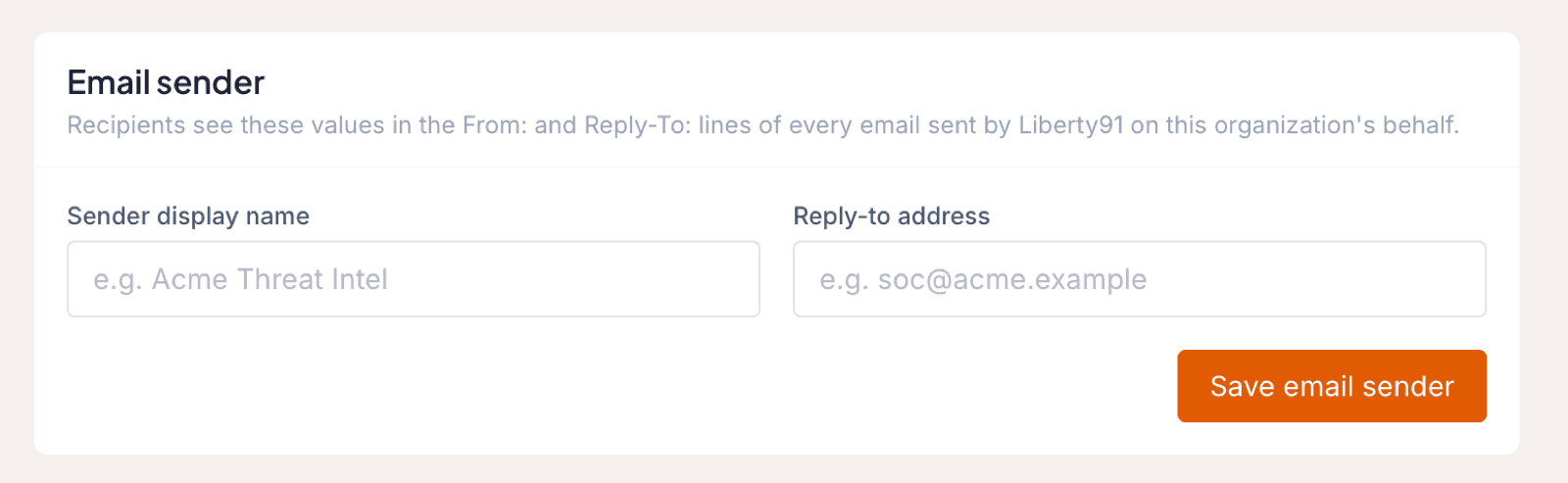
The sender name and reply-to address are the first thing a Stakeholder sees when your report arrives. Setting them lets the email go out under your own brand and routes replies to the inbox you choose. Admins and Owners make this change in the Organization Profile.
How to change the sender and reply-to
- Open Organization Profile from your avatar in the top right corner.
- Scroll down to Email Sender.
- Set the sender name and reply-to address to match your preferences.
- Click Save email sender.
Tip
This is one of three white-label areas. To change the email design itself, see white-label email templates, and for the full picture, start with the white-label overview.
Was this page helpful?