
Create a report from an event.
When an occurrence is relevant to one or more of your Organizations, you can turn it into a tailored Intelligence Package in a few clicks. Liberty91's AI agents research it, reference your Intelligence Requirements and the specifics of the chosen Organization, and produce a relevant, actionable report you can review, edit, and send, with the IOC list, STIX bundle and detection rules alongside it.
You can start from a Threat Event, which is the usual route because it gathers every report on the occurrence, or from a single Event when that one report is what you want written up.
From a Threat Event
- Open the Threat Event you want to report on.
- In the header, beside Subscribe, click Create Intelligence Package.
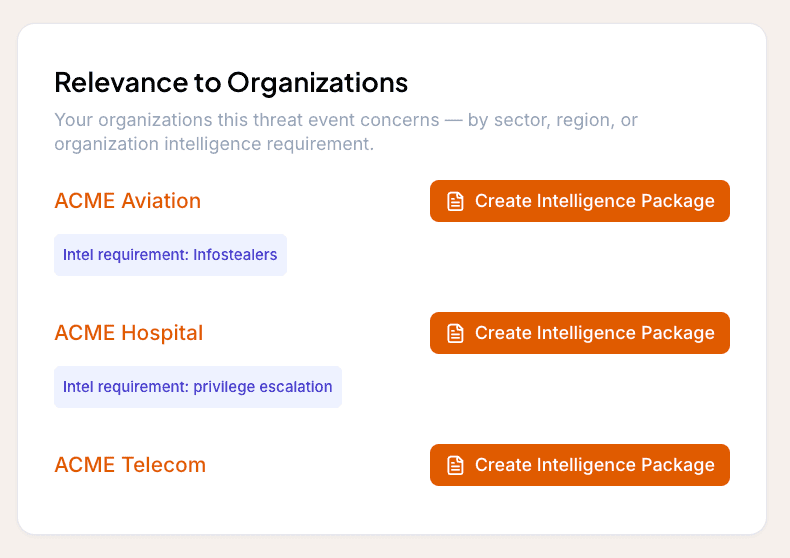
- If the Threat Event is relevant to more than one of your Organizations, the Relevance to Organizations card carries a button per Organization. Use the one for the Organization you want the package written for; each package is tailored to the Organization you pick.
From a single Event
- Open the Event you want to report on.
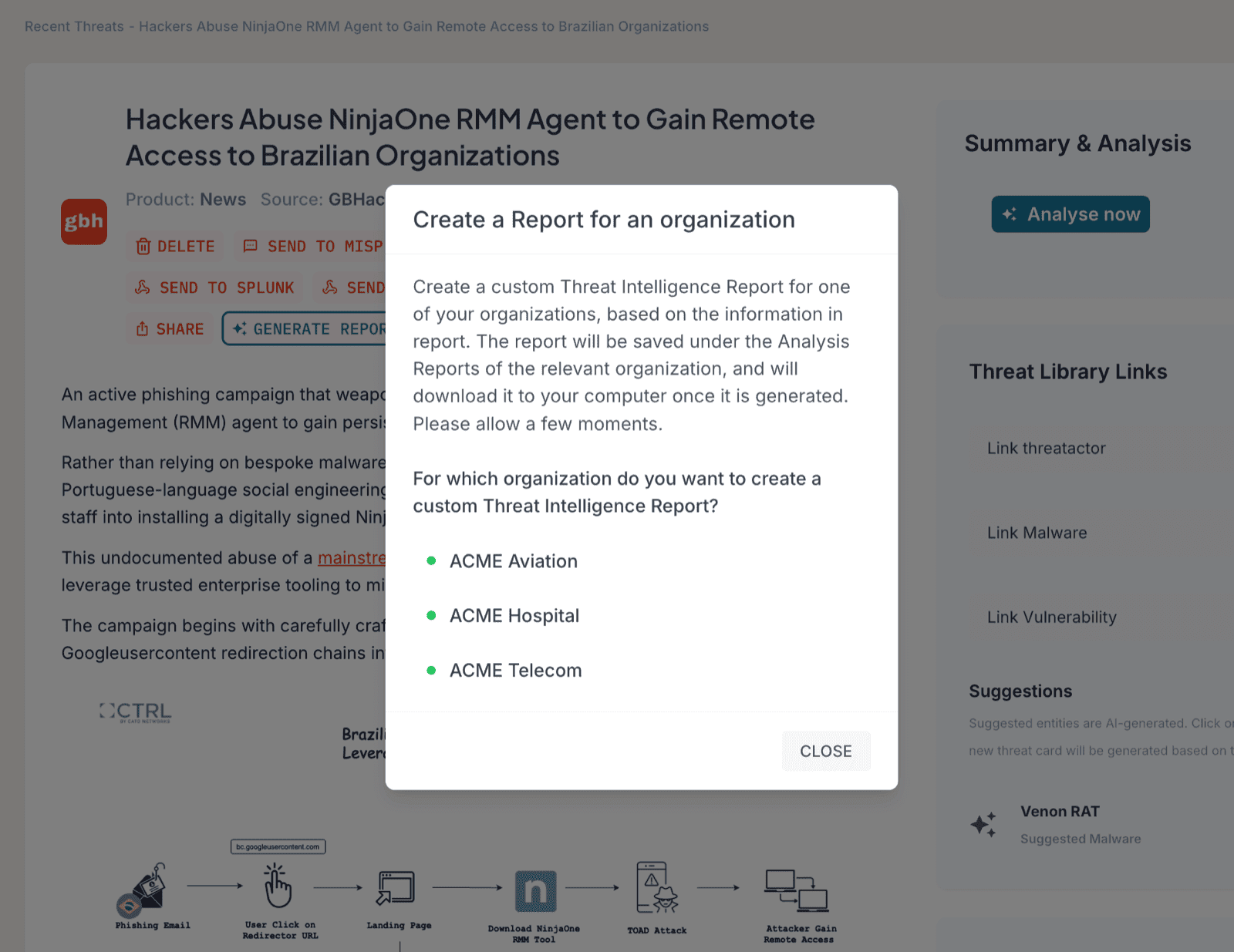
- Under the title, click Generate report.
- Select the Organization you want to generate the report for. Each report is tailored to the Organization you pick.
The agents now work together to research the event, reference your Intelligence Requirements, and apply what they know about the Organization.
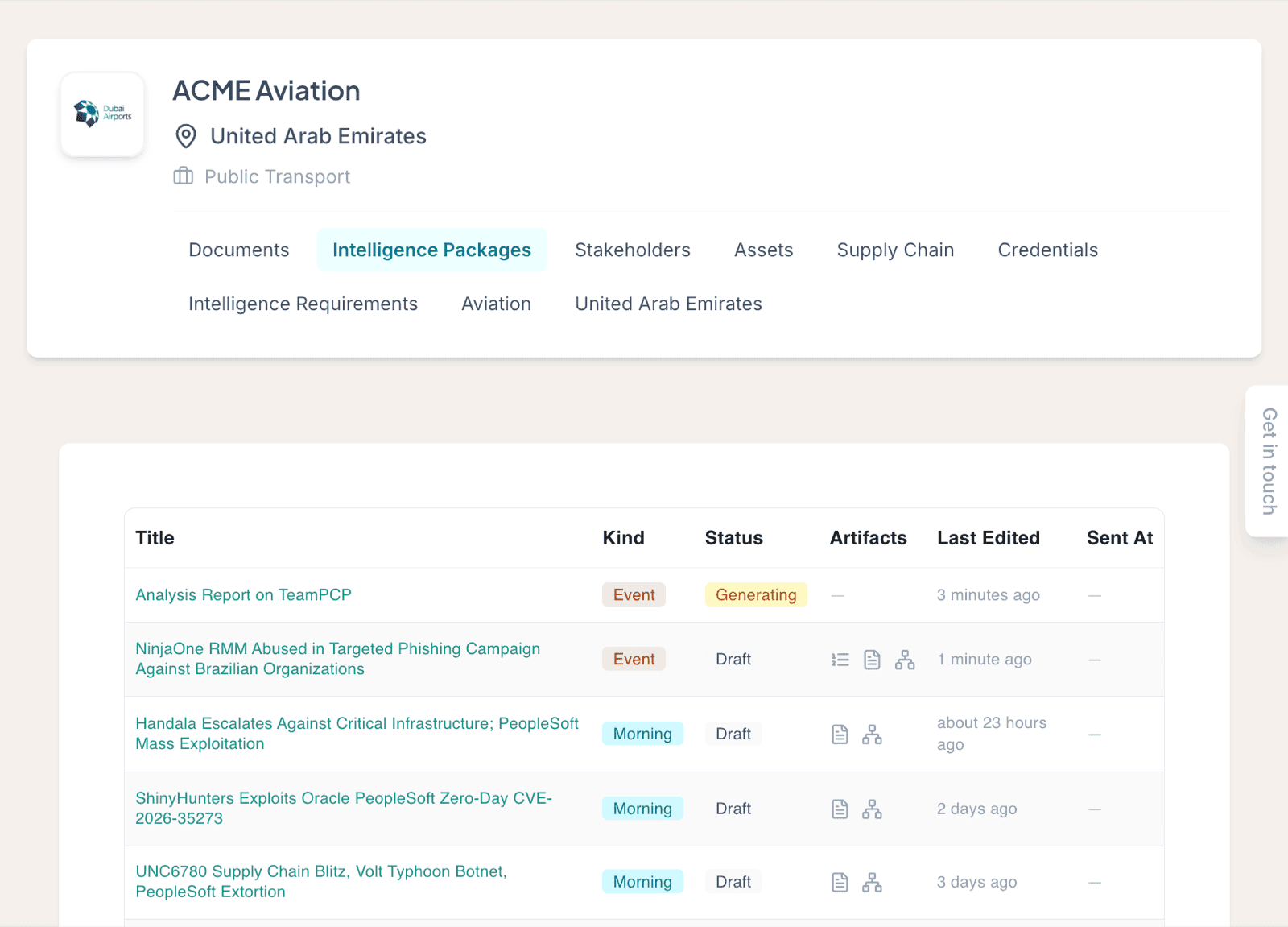
A package takes a few minutes to generate. While it runs, it appears as generating under that Organization's Intelligence Packages.
Review and send
- Open the Organization you generated the report for and go to its Intelligence Packages section.
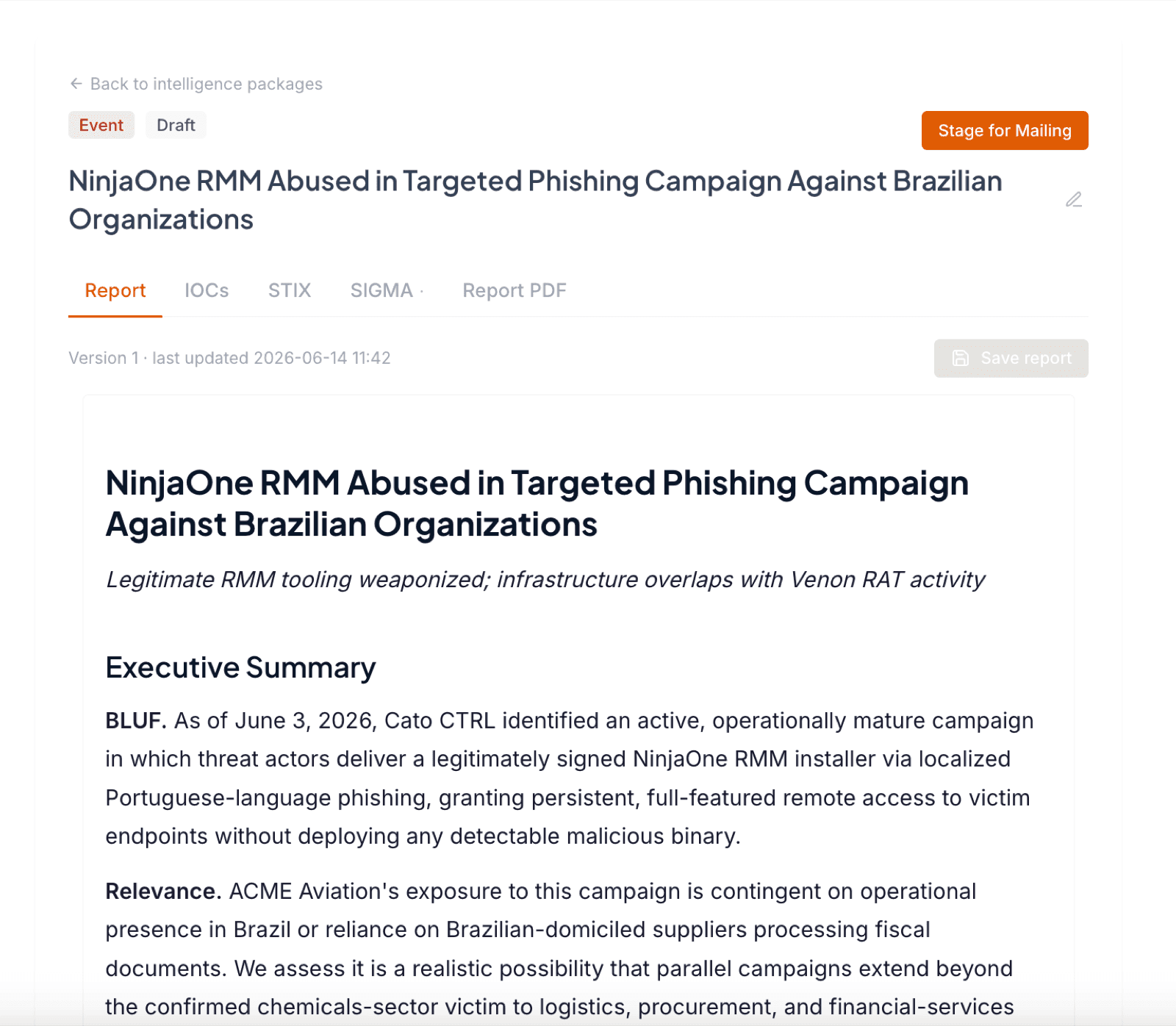
- Open the finished package and review it. Make any edits you think are necessary.
- Click Stage for mailing and select the recipients you want to send it to.
Open the package to read it. Review the analysis, make any edits, then stage it for mailing.
Once you stage and send the package, it becomes trackable in the Mailroom. For the full sending flow and recipient options, see Send a report to a stakeholder.