
Send a report to a stakeholder.
Last updated 14 Jun 20261 min read
Once an Intelligence Package is ready, you send it from the Intelligence Packages page that lives under your customer Organization. You stage it for mailing, choose the recipients, and send. From that point the delivery is trackable in the Mailroom.
How to send the report
- Open the Organization and go to its Intelligence Packages tab.
- Open the package you want to send.
- Click Stage for Mailing.
- Choose your recipients from your Stakeholders.
- Send the package.
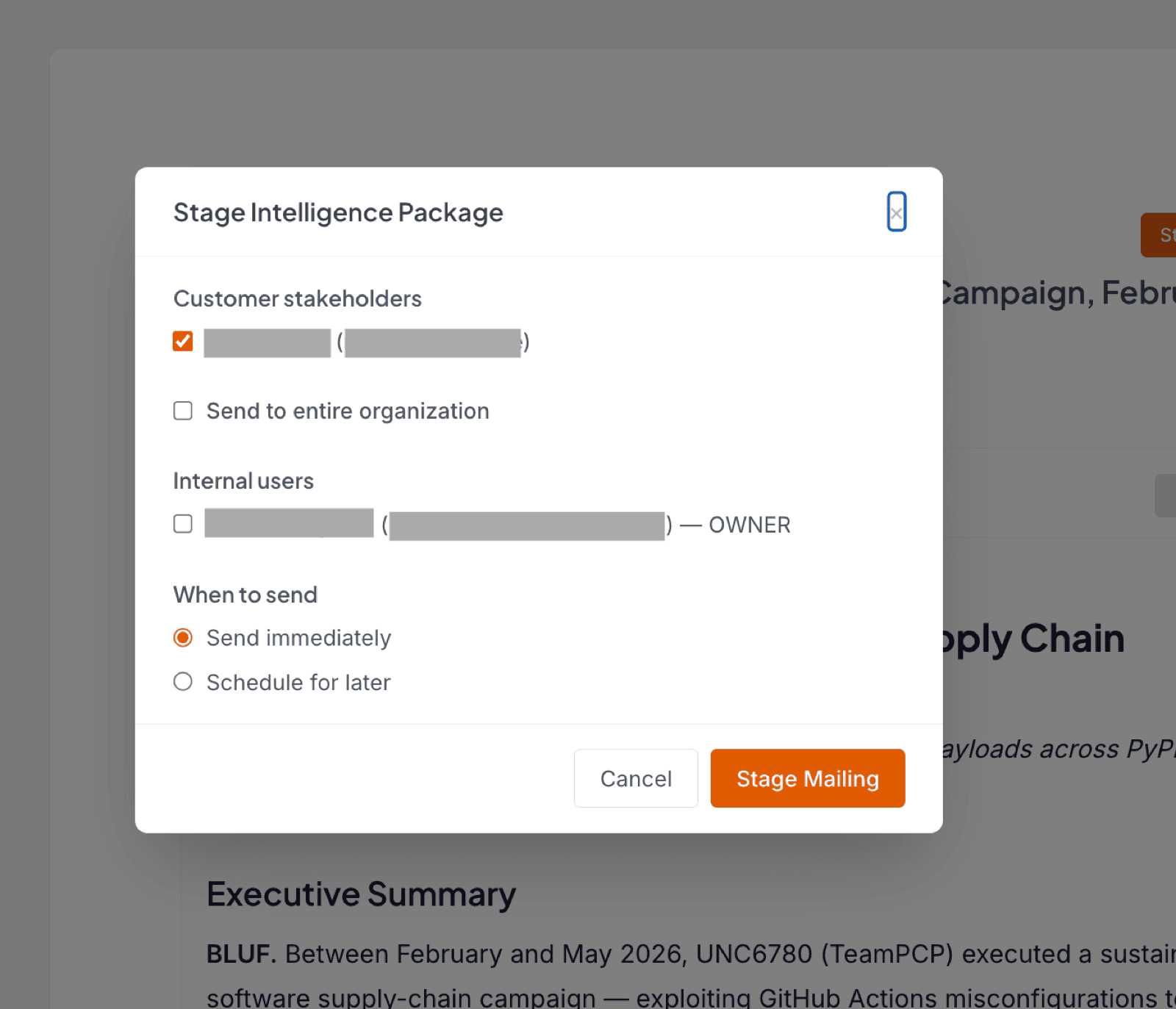
After you send, the report appears in your Mailroom, where you can see when it went out, to whom, and whether it was delivered successfully.
Note
At first you can only send to your own email address and to your Stakeholders. To deliver reports to other destinations, enable integrations such as MISP, Slack, or webhooks in Modules. Those destinations then become available as recipients.
To learn how packages are created in the first place, see Create a report from an event.
Was this page helpful?