
AlienVault OTX module.
The AlienVault OTX module is one of the quickest, free ways to start enriching the IOCs that come in from your other sources. OTX is free to use: create an account, generate an API key, and paste it into the module. Every time a new IOC is created, Liberty91 runs it through OTX to check for hits and surfaces the available data, including pulse counts, tags, and any linked threat actors or malware. You need a free AlienVault OTX account.
You need a free AlienVault OTX account, which gives you the API key this module uses.
How to connect AlienVault OTX
- Log in to AlienVault OTX and create a free account if you do not already have one.
- Generate an API key in your OTX account settings.
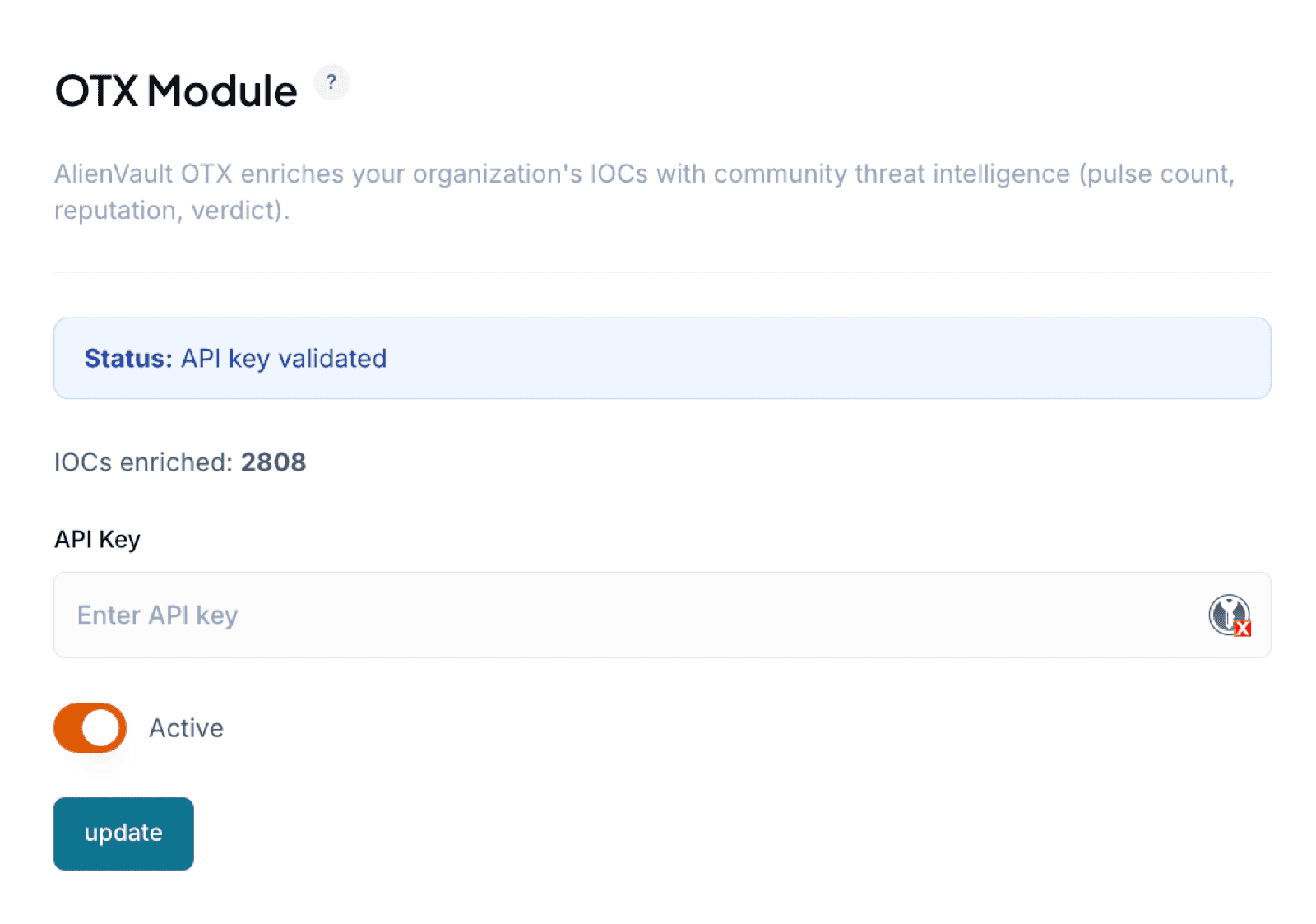
- In Liberty91, go to Modules and open the AlienVault OTX module, then paste the API key into the field and validate it.
What you get from OTX enrichment
For every new IOC, Liberty91 checks OTX for hits and pulls back pulse counts and tags. It also looks for mentions of threat actors or malware the IOC is connected to and adds that context as enrichment, so the indicators tied to your Events carry more meaning.
After you validate your key, the module also shows how many IOCs it has enriched in total, so you can confirm it is working and pulling its weight.
Frequently asked questions
Does the AlienVault OTX module cost anything?
No. OTX is free. Create an account, generate an API key, and paste it into the module.
What does OTX enrichment add to an indicator?
Pulse counts, tags, and any threat actors or malware the indicator is connected to in the OTX community data. Each vendor verdict also feeds the indicator's confidence.
How do I check the module is working?
After you validate the key, the module shows how many IOCs it has enriched in total.