
Webhooks module.
The Webhooks module is the most flexible way to get your intelligence out of Liberty91 and into your own systems. A webhook is a URL that any modern technology can read, so you can connect Liberty91 directly to a SIEM, a SOAR, or any downstream system that accepts an HTTP request. You need a destination URL that can receive HTTP requests from Liberty91.
You need a webhook URL exposed by your destination system, such as your SIEM, SOAR, or an internal tool that accepts inbound HTTP requests.
Set up one or more webhooks
Like the other production modules, you can set up multiple webhooks, each pointing to a different destination. This lets you route different types of intelligence to different places: one webhook feeding your SIEM, another feeding a separate internal tool.
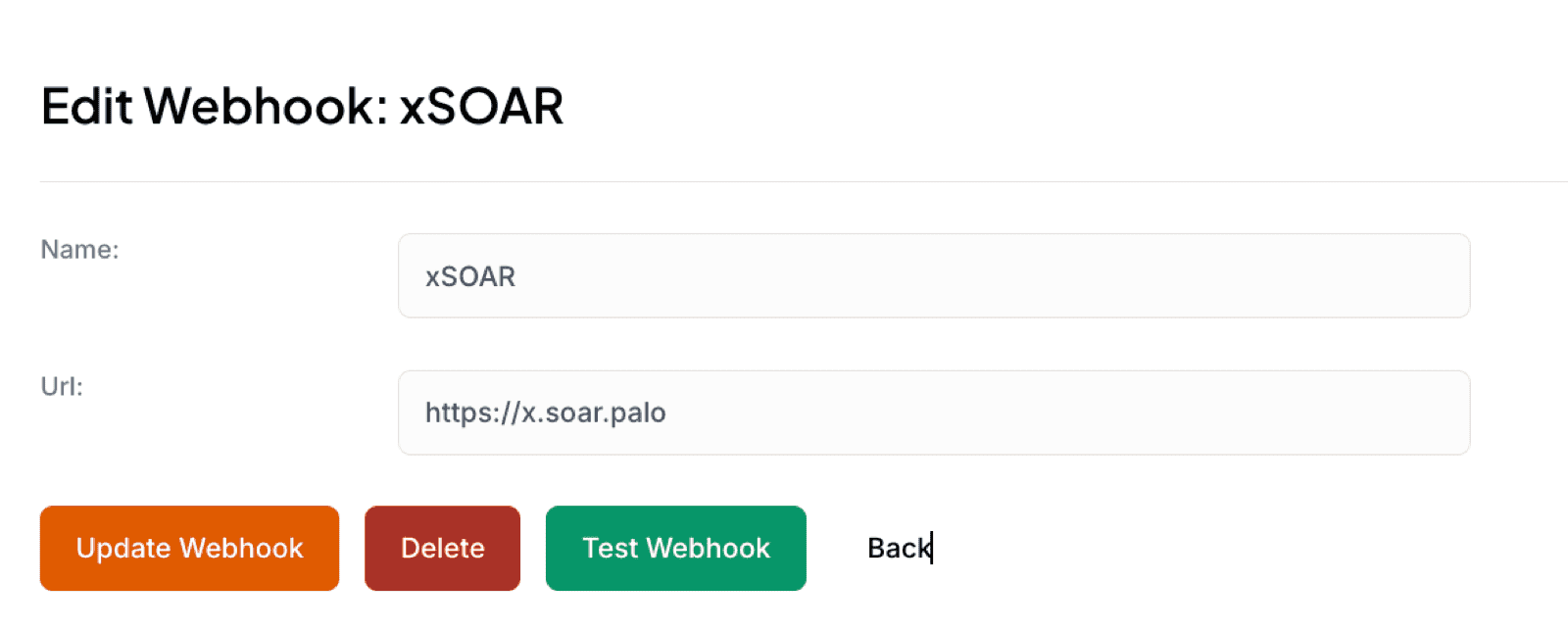
- In Liberty91, go to Modules and open the Webhooks module.
- Add a webhook and paste the destination URL.
- Give it a name so you can tell your destinations apart, then activate it.
Two ways to send data
You can push intelligence to a webhook in two ways:
- Send an Event directly. When you are looking at an individual Event and want it pushed out, send it straight to the webhook of your choice.
- Route an Alert automatically. If you have set up an Alert, for example "threats to the financial sector", route every Event that matches it to a specific webhook. The relevant intelligence then flows into your SIEM, SOAR, or other system continuously, without you pushing each Event by hand.
For purpose-built destinations rather than raw HTTP, see the Slack module and the MISP module.
Frequently asked questions
What do I need to set up a webhook?
A destination URL exposed by the receiving system, such as your SIEM, SOAR, or an internal tool that accepts inbound HTTP requests.
Can I have more than one webhook?
Yes. Set up as many as you need, each with its own name and destination, so different types of intelligence can be routed to different systems.
How do I get Events into my SIEM automatically?
Create an Alert for the criteria you care about and route it to the webhook pointing at your SIEM. Every matching Event then flows through without anyone pushing it by hand.