
HexioSec module.
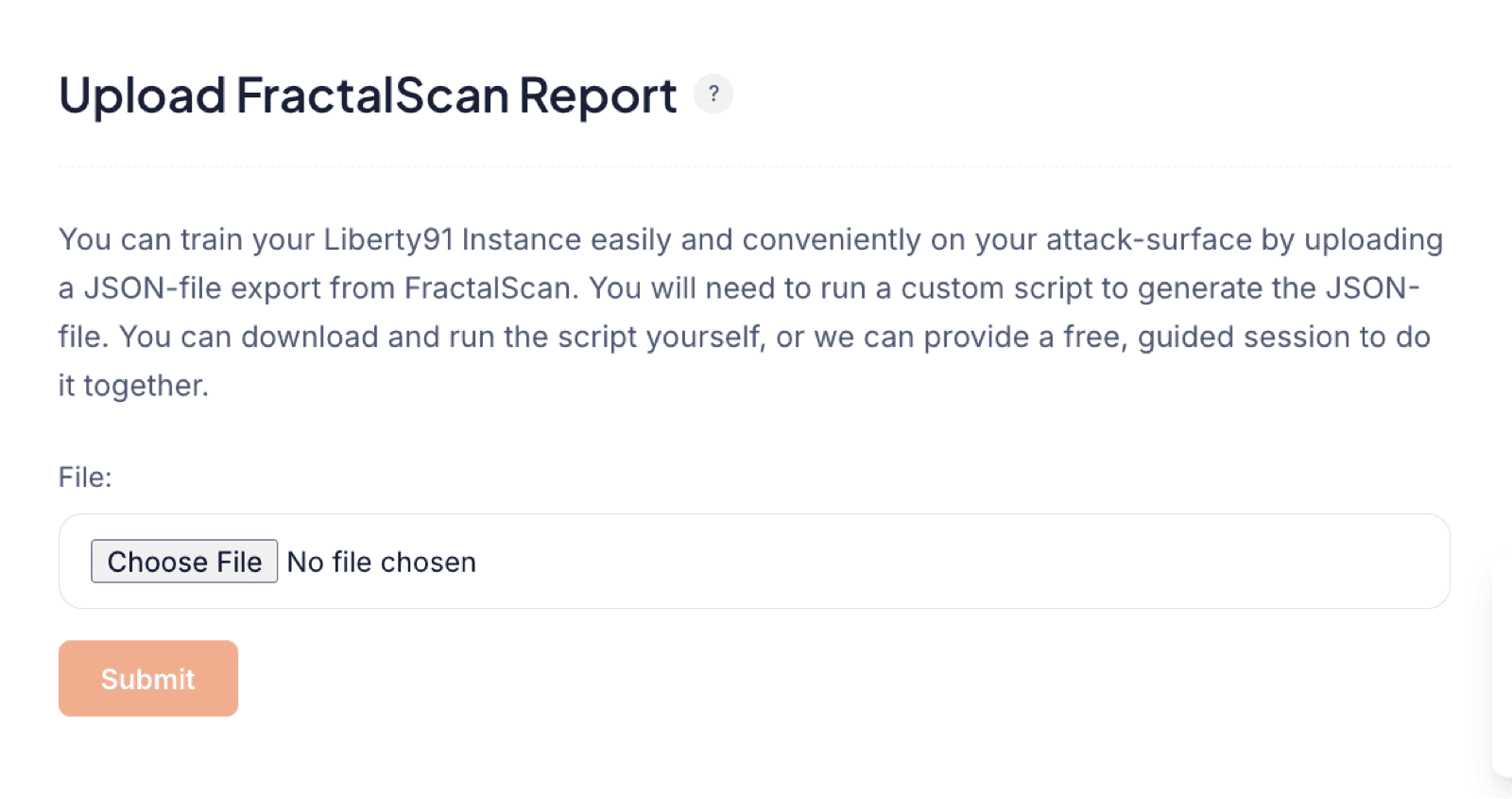
The HexioSec module trains your Liberty91 instance on your attack surface by importing a JSON export from HexioSec. You run a custom script to generate the export, then upload it so Liberty91 knows what you host and can match relevant threats against your exposed Assets. To do it yourself, you need a HexioSec subscription and the export script; if you would rather not touch it, Liberty91 can load the data for you.
You need a HexioSec subscription and the custom script that produces the JSON export. If you do not have either, see the managed-service options below.
How to import your HexioSec data
- Run the custom script against your HexioSec account to generate the JSON export of your attack surface.
- In Liberty91, go to Modules and open the HexioSec module.
- Upload the JSON file. Liberty91 reads it and populates your Assets with what you host and where.
Let Liberty91 manage it for you
If you already subscribe to HexioSec, contact Liberty91 directly to load your scan data into the platform for you. This is a free, managed service.
If you want to monitor your attack surface but have no Attack Surface Management provider, you can licence HexioSec services through Liberty91 as a fully managed setup. Liberty91 runs the setup, monitoring, and management for you at attractive rates. Contact us to get started.
For a dynamic, always up-to-date alternative that scans your external attack surface continuously, see the FullHunt module.
Frequently asked questions
What do I need to import HexioSec data?
A HexioSec subscription and the custom script that produces the JSON export. If you have neither, Liberty91 offers managed options.
Can Liberty91 load my HexioSec data for me?
Yes. If you already subscribe to HexioSec, contact Liberty91 and we will load your scan data into the platform for you. It is a free, managed service.
What is the difference between HexioSec and FullHunt?
HexioSec is a static, file-based import of an attack-surface export you upload. FullHunt scans your external attack surface continuously and keeps the picture up to date by itself.